Installs like Windows
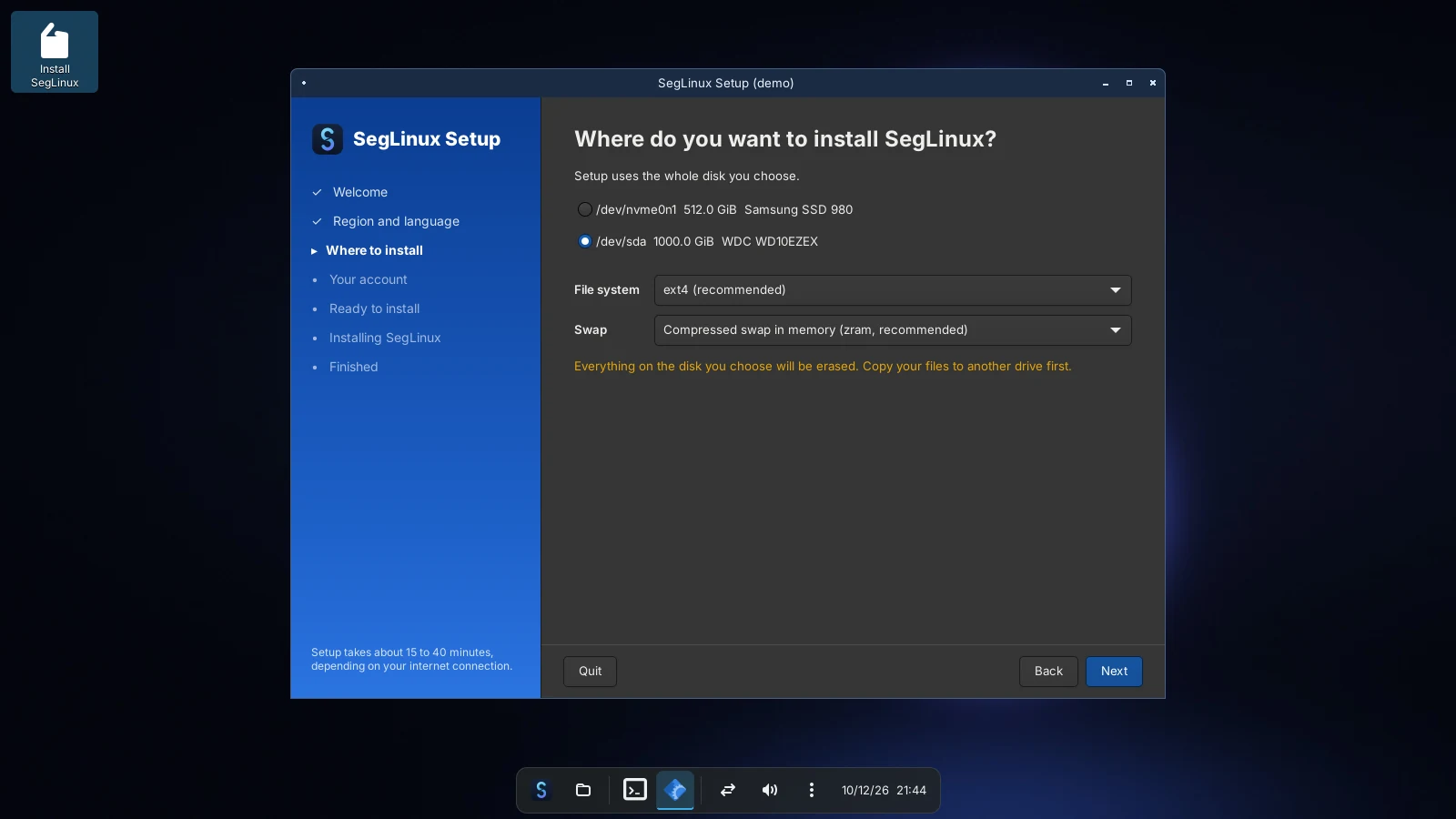
Setup asks for your language, disk and account, shows exactly what it will do, then installs. Answer files work like autounattend.xml.

Lightweight Linux for gamers.
SegLinux installs, looks and plays like Windows. Steam, Proton and your
.exe files on a Rust desktop that uses 59 MB of memory at idle.
01 — Features
Setup asks for your language, disk and account, shows exactly what it will do, then installs. Answer files work like autounattend.xml.
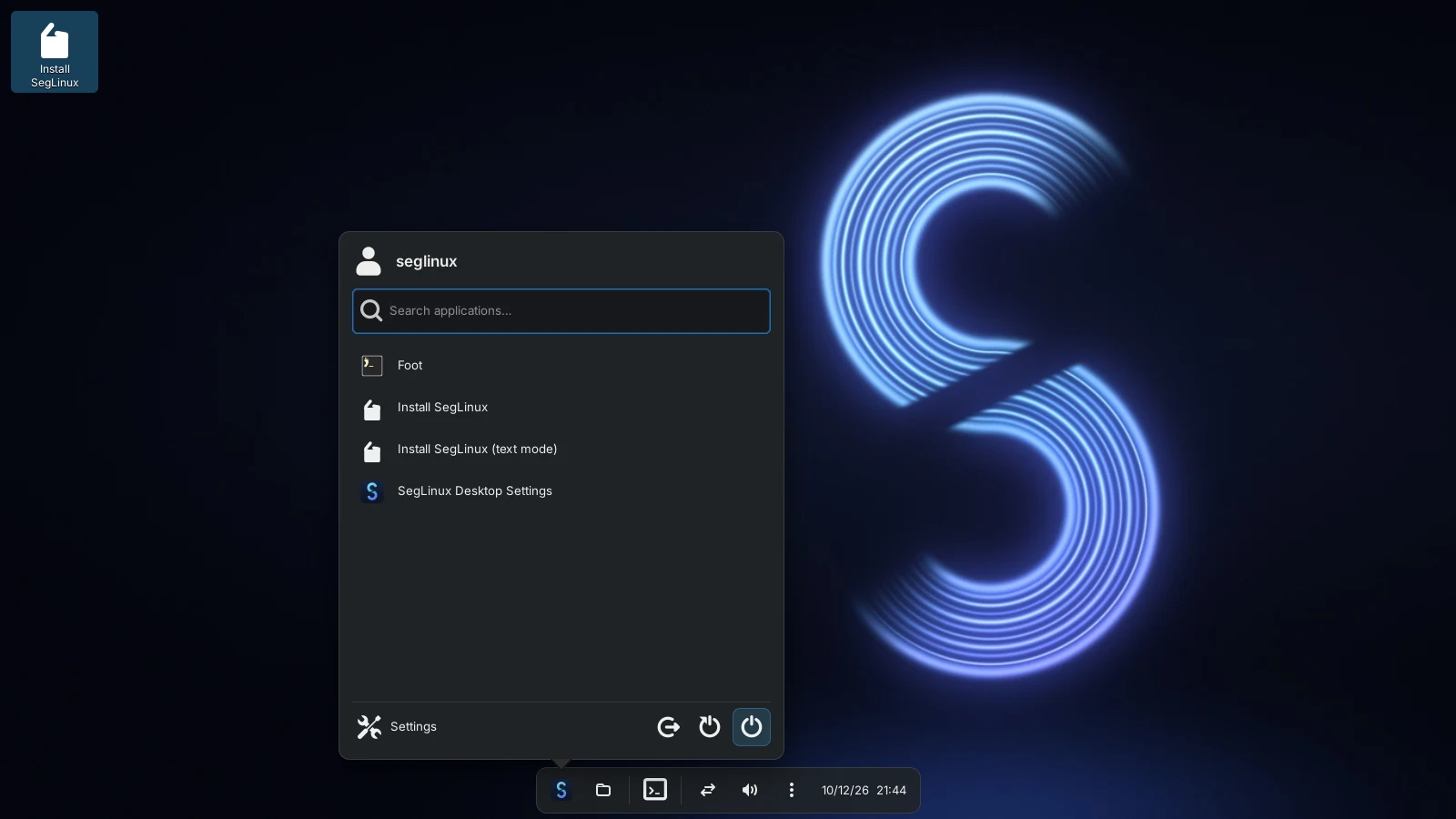
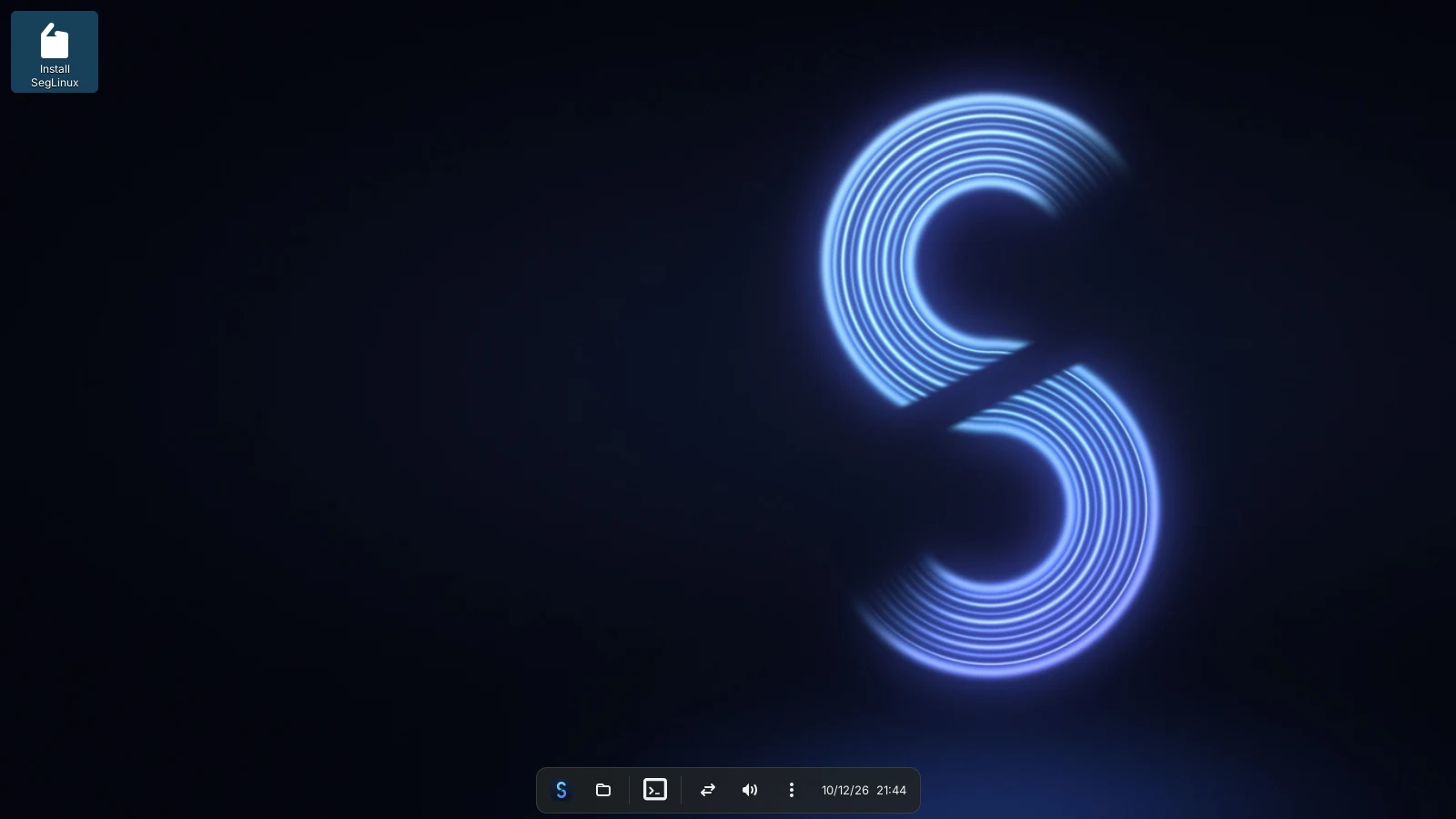
Floating dock with pinning, a Start menu with categories, search and newly installed apps, desktop icons, tray and calendar, on the labwc Wayland compositor. 59 MB of memory at idle.
linux-zen kernel, Steam with Proton, Lutris, GameMode, MangoHud and gamescope, NTSYNC, zram and a Steam Gaming Mode session.
segrun inspects the program and prepares Wine for it, with DXVK and VKD3D-Proton for Direct3D, and runs games under GameMode.
A 740 MB Lite image, compressed swap in memory, tuning for Intel graphics and a desktop that leaves the CPU and GPU to your game.
OpenRC with parallel start by default; runit and dinit builds too. A rolling release with up-to-date packages.
Measured on a virtual screen after sign-in: the compositor, the desktop and D-Bus, as proportional memory (PSS: shared libraries counted once). A 1920×1080 re-measurement gave 56 MB and 0.2% CPU. The whole system, with the kernel and services, uses more.
02 — Screenshots
03 — Download
Your desktop, your choice. Start small with Lite, or take everything offline with Full.
≈ 736 MB
The desktop, Setup and drivers. Setup downloads the rest (Steam, Wine, ...) while it installs, so the computer needs an internet connection.
Loading downloads…
≈ 2.8 GB
Everything on the image: Steam, Wine, Lutris, Plasma and the applications, for installing without an internet connection.
Loading downloads…
Loading the list of ISO images…
| Released | Edition | Build | Init · kernel | Size | Files |
|---|
04 — Get started
Lite downloads as one ISO. For Full, use the automatic helper or follow the download guide to join the parts and verify them.
python3 download-full.pyWith Ventoy, Rufus (in DD mode) or, on Linux:
sudo dd if=seglinux.iso of=/dev/sdX \
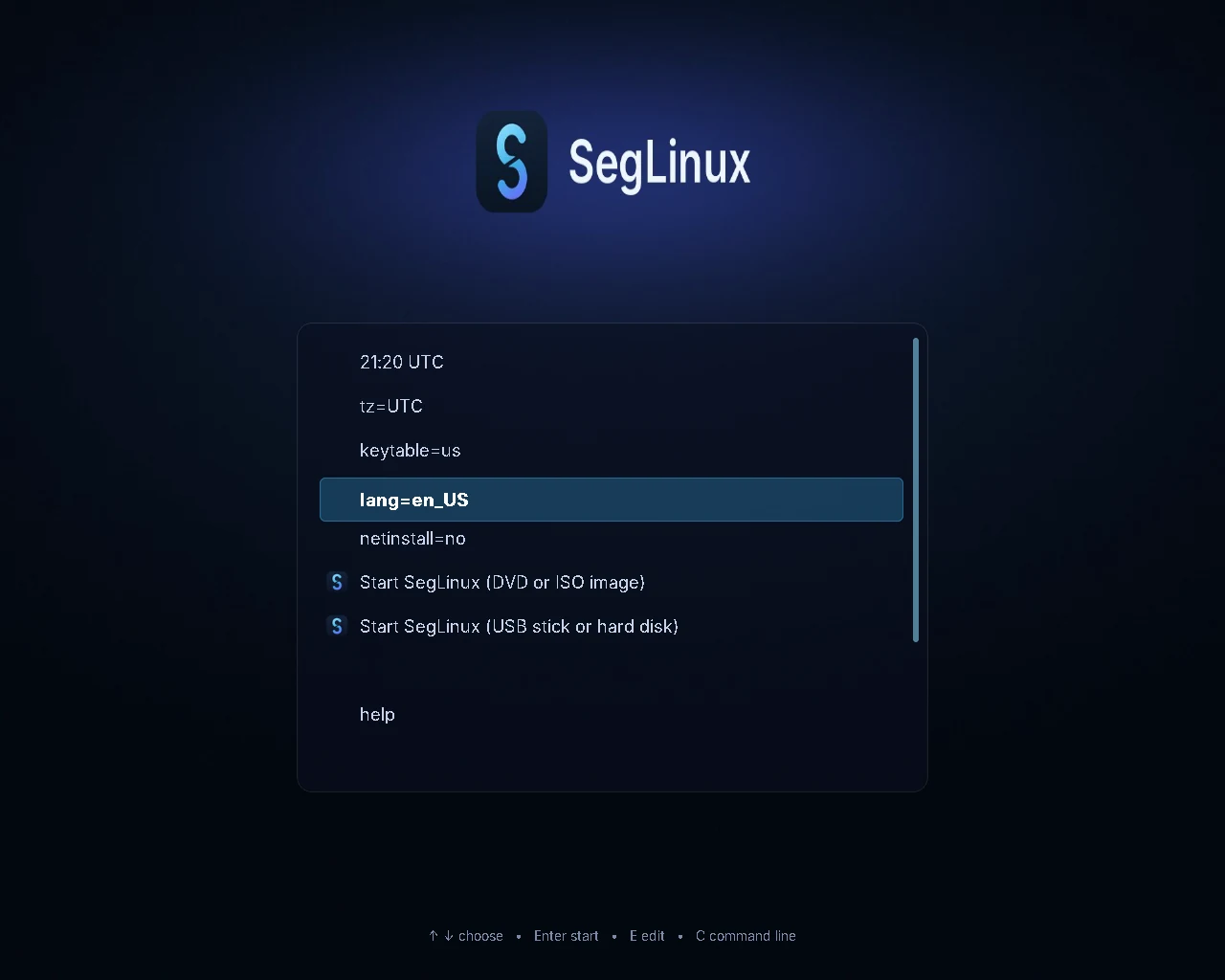
bs=4M status=progress oflag=syncTurn off Secure Boot in the firmware settings, start the computer from the USB stick and choose Start SegLinux.
Try the desktop, then double-click Install SegLinux. Setup takes 10 to 40 minutes; Lite needs the internet.
05 — The field guide
Choose an edition, prepare your ISO and boot your first session.
02 / PLAY ↗Steam, Proton, graphics drivers and the tools that power your games.
03 / EXPLORE ↗Meet the dock, launcher, desktop and everyday applications.